JAMNet Studio™ The Multimedia, MultitrackingWorkstation built for musicians, bands, performers, songwriters, producers, engineers, stage techs and streamers
Every mic, MIDI device and video camera in the room, recorded together on one clock. A full DAW and video editor, so the night you live streamed and tracked, is the same session you mix, cut, and export the next morning, and it opens in the DAW you already use
Mid-takeTwo usb interfaces, three mic lines, one webcam; one timeline, one capture, and two livestream destinations
House of The Rising Sun
The Next MorningUnmix with source separation, remix with your favorite plugins, color grade, export, and upload for your fans. Boom Done.
Watch it run
Recorded straight from the app, no mockups.
Welcome to the jam
JAMNet Studio is the modern workstation for the modern, gig performing, content creating, song writing, DIY musician or band. Multitrack audio+video recording, use a native Looper Station that also loops video or lighting with the audio (it sends the Click Track to your drummer, too...) The Tabs and Sheet music editor contain automatic audio transcription tools, and the Mixer has a built-in, per-role, phone-app-controllable In Ear Monitoring system. JAMNet Studio has a full featured free trial forever, requires no subscriptions to host multi-device peer sessions, and offers subscription tiers for private, session-aware cloud storage your bandmates can post their practices into, or contribute takes for the album in progress.
Joint Audio multicast
".jam" is an open file folder extension format for organized, role-separated music arrangements that you can use for practice, or as IEM references live.
Portable across any DAW, and fully featured inside JAMNet Studio.
Over the TOAST p2p Network, each player attending the virtual rehearsal shares the same synced JAM contents.
FooSong.jam
- Manifest + Tempo map
- TOML and MIDI carry the spine of the arrangement.
- Roles
- An organized part for each band member.
- Backing stems
- Reference tracks you can play along to for practice or performance.
- Tabs and sheet music
- Notation, Lyrics, or a post-it note from the band leader. Time anchored with MIDI.
- Lighting
- Pre-programmed DMX cues that play along to your set.
- Import a JAM
- Stem unmixing, tempo detection and auto-transcription turn any old demo recording into a [song].jam, or bring your own stems, MusicXML, MIDI, or Guitar Pro files.
Stem separation, tempo detection and transcription run on your machine. Zero cloud-dependent processing.
One session holds the whole night
The audio, MIDI, cameras, cuts, charts, lights and the setlist live in one session. Open it from the browser and everything the show needs is already there.
Sessions, side by side
- Sessions browserEvery session on your machine, on any connected drive, or in the cloud, automatically tracked, organized, and de-duplicated by versioning. A thumbnail preview shows you what's in it before you open it.
- Web Browser Style Session tabsKeep more than one open. Drag takes and clips between them. The Transport plays back where you're focused.
- Perform Your JAMsSongs in your setlist roll out on cue, automatically, or from your FCB pedal board or the Remote Control app, providing per-role IEM reference mixes to your band members with a built in Announcer voice that cues each member with the next song before it starts. Effortlessly multitrack it all, from every angle, (and afterwards, auto-align clips taken by fans.)
- Perform the cut, edit it laterCamera switches made during the show track and trigger as Control Change automation. Late on a switch during the livestream? Fix it in post by nudging the event.
Pre-program angle switches so you're never late again.
lights, CAMERAS, ROCK N ROLL
Sidechain lighting parameters to audio inputs for an instantly responsive lights show, bind a MIDI controller and improv along with the band, or pre-program with MIDI notes and auto-cue the show along with your Setlist.
Lighting on tracks
Pre-program DMX cues that play along to your set. Lighting lives on tracks beside the music (same timeline, same clock) and goes out over Art-Net or a USB-DMX interface. Fixture rows in the piano roll, lighting dials you can automate.
Looper station (BYOFC)
Bring Your Own Foot Controller: If it sends MIDI CCs, it can control the app. Pad-driven loops on any track, Amp Modeler rig switching, standby, setlist control, tap tempo, all on the same Bank, completely customizable.
Loop while Jamming! Extend the original bridge to add a solo section on the fly: the Looper system knows to keep a Vamp on that part of the jam until you cue it to stop.
Assign pads at Section boundaries to mash-up jams on the fly.
Your session, from your phone
Open the session on your phone over the venue's Wi-Fi and run the take from the stage while your Mac does the tracking: transport and record, arm tracks, set levels, mute and solo, open a track's FX, and watch the timeline fill in as you play. Afterward, mix from the couch.
- Go live from the sessionStream to Twitch, YouTube, Kick, Restream and other RTMPS services without a second application in the chain.
Also on the phone: every player's own in-ear mix, lyrics and charts, and the camera sources. A standalone phone app with a limited feature set is in development, coming after the macOS beta turns stable.
Tabs that play
Tabs run on the MIDI engine
A tab track is a MIDI track that reads as tab. Write the riff in tab, audition it through any instrument plugin you own, create custom keyswitch bindings, change the voicing, hear it again, then read the same part on stage, or as standard notation, from the same file.
- Chord + Note TypingIn addition to fret numbers, you can also type a note or chord name like 'Amin', 'E7', or less formal combinations like '3maj Bar', or '5 pow' and every string knows what you mean.
Use up/down arrow keys to cycle through standard voicings. - Notation view 'Sheet View': View and print tabs in standard notation, or export to your favorite notation software.
- Vocal synthesisPut lyrics on MIDI notes and hear them sung by either of two built-in singing-voice engines, to sketch the vocal line before it's tracked. Capture a VCCV bank of your own voice for demos or editing.
Stock plugins in the box, sixteen macros per rack
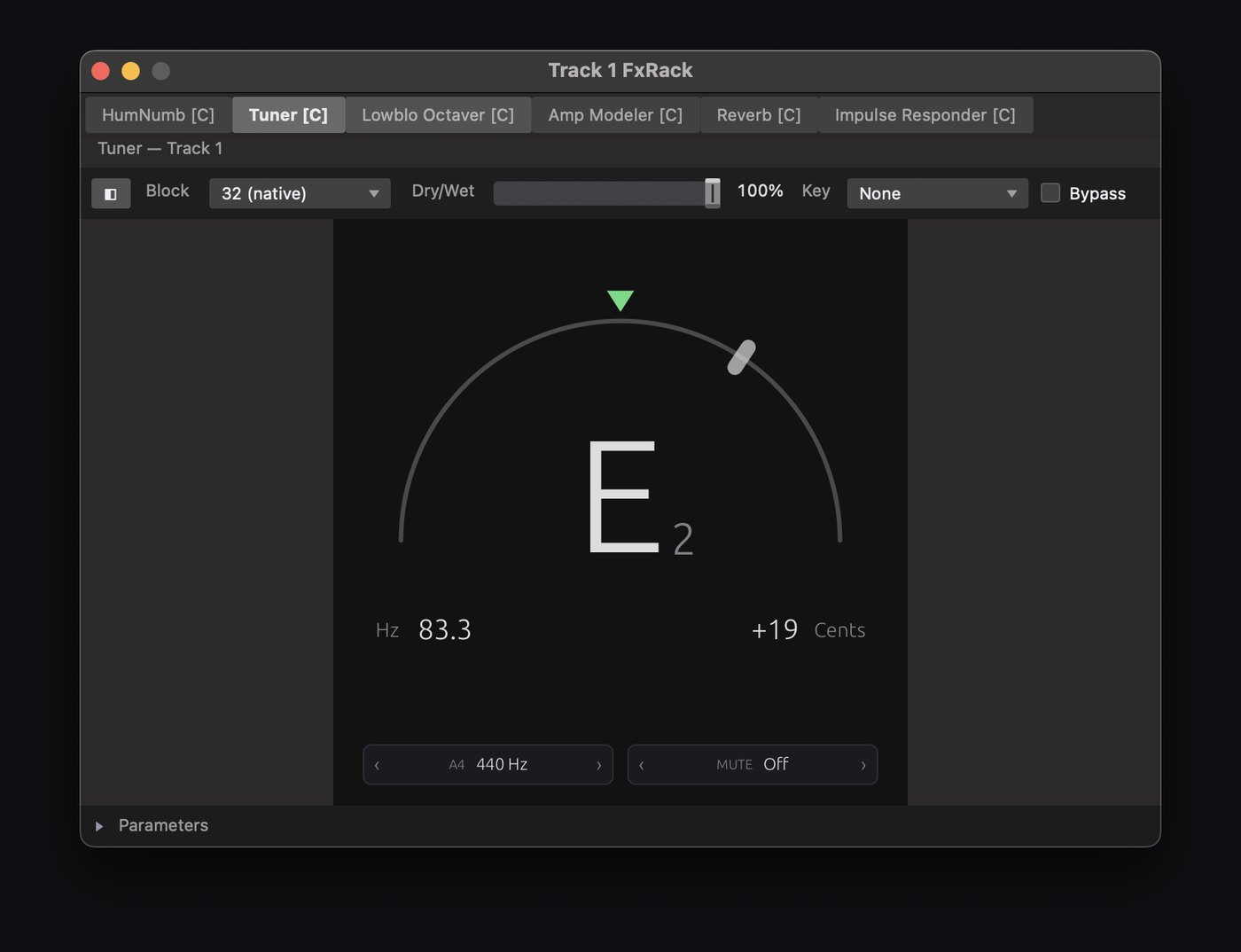
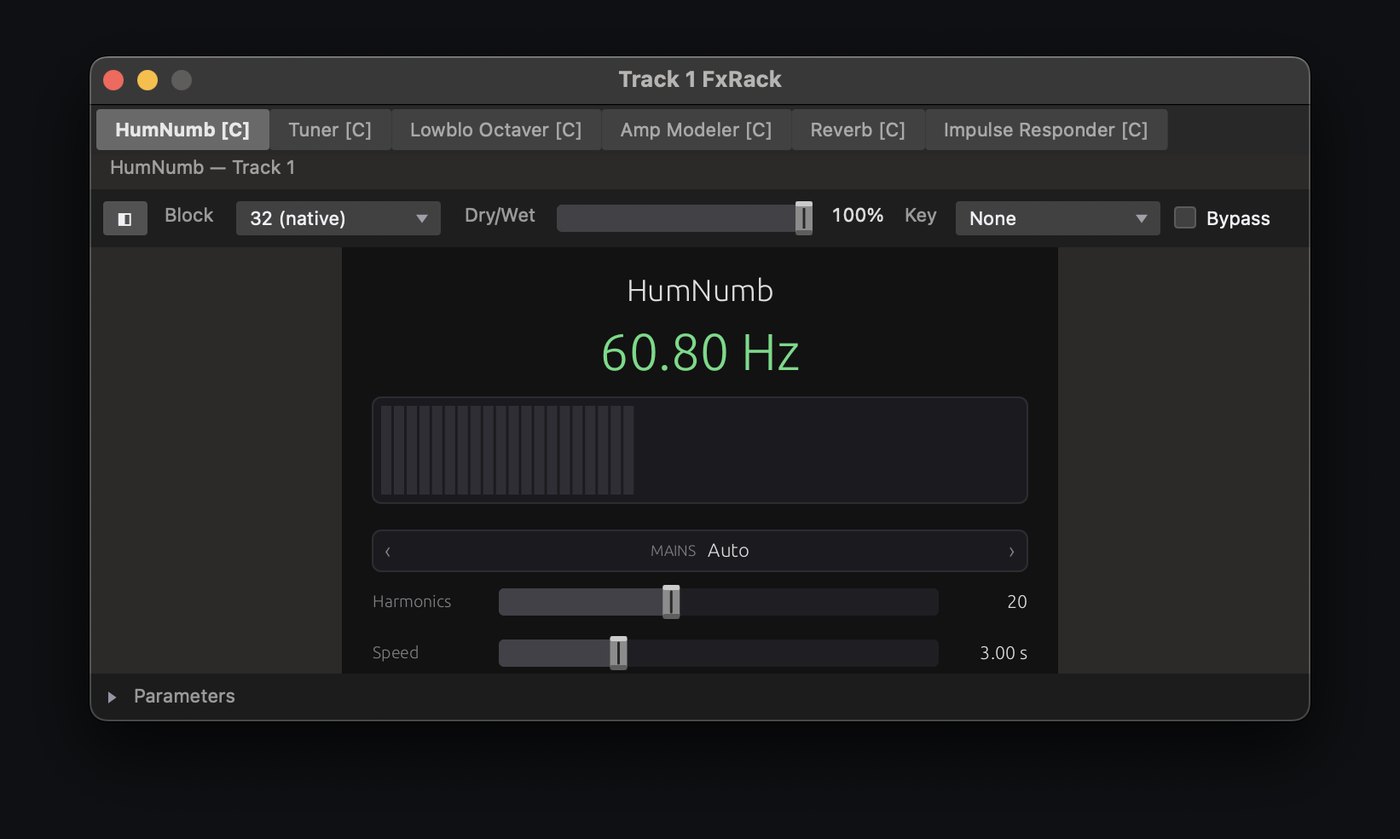
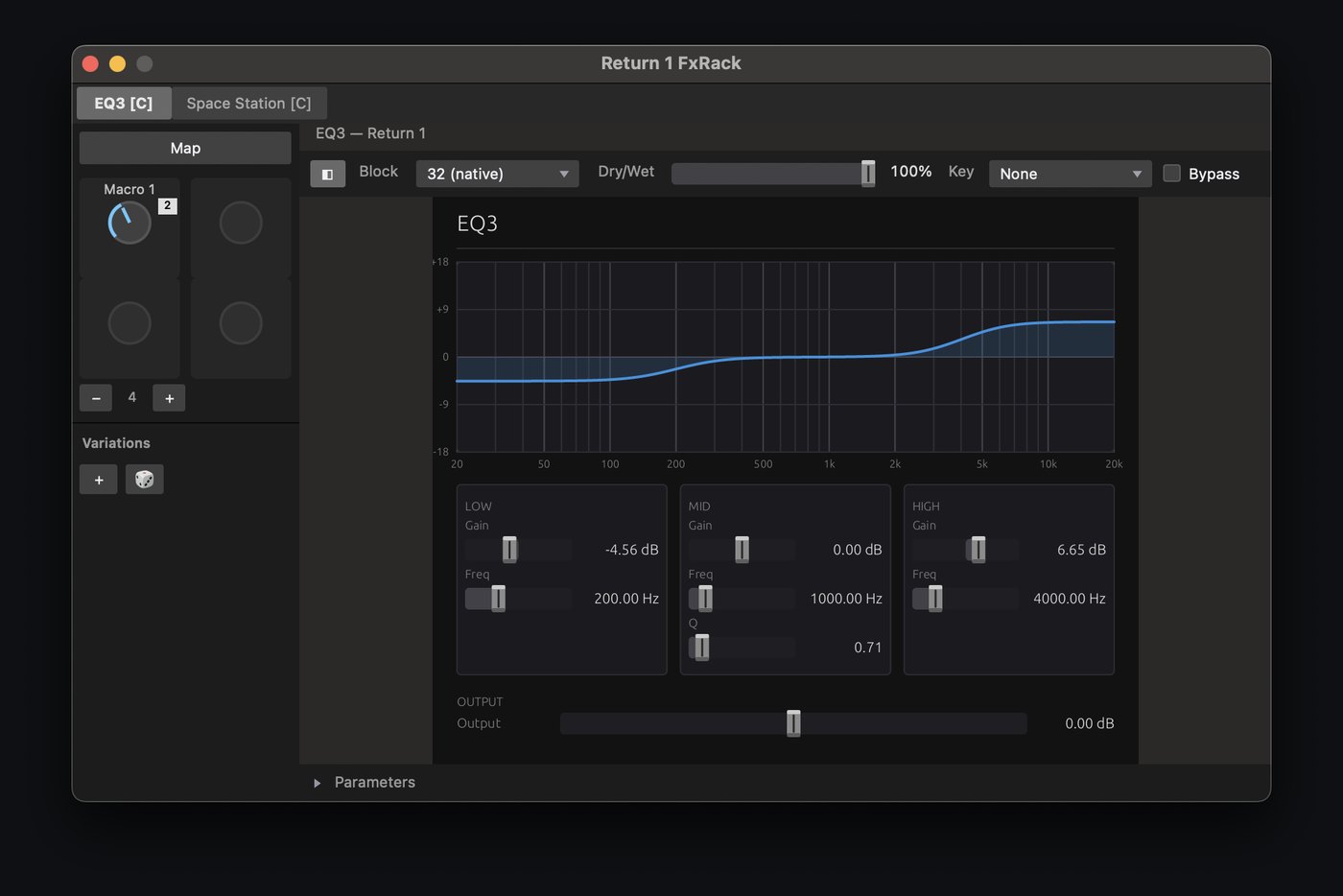
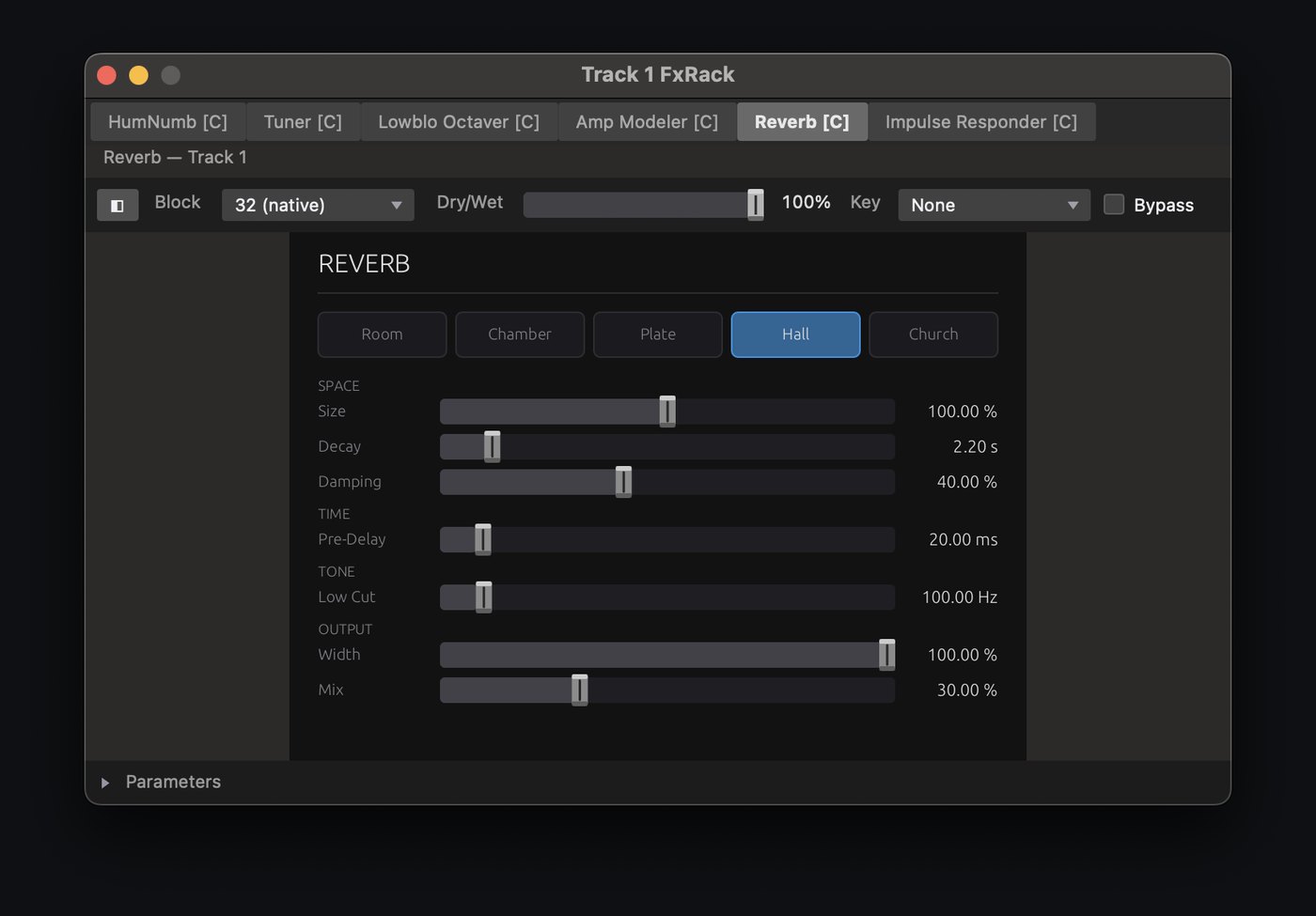
JAMNet Studio ships its own processing and metering as standard CLAP plugins. Stack them with your own AU, CLAP and VST3 plugins in racks, in any order, and drive any parameter from a rack's macro knobs.
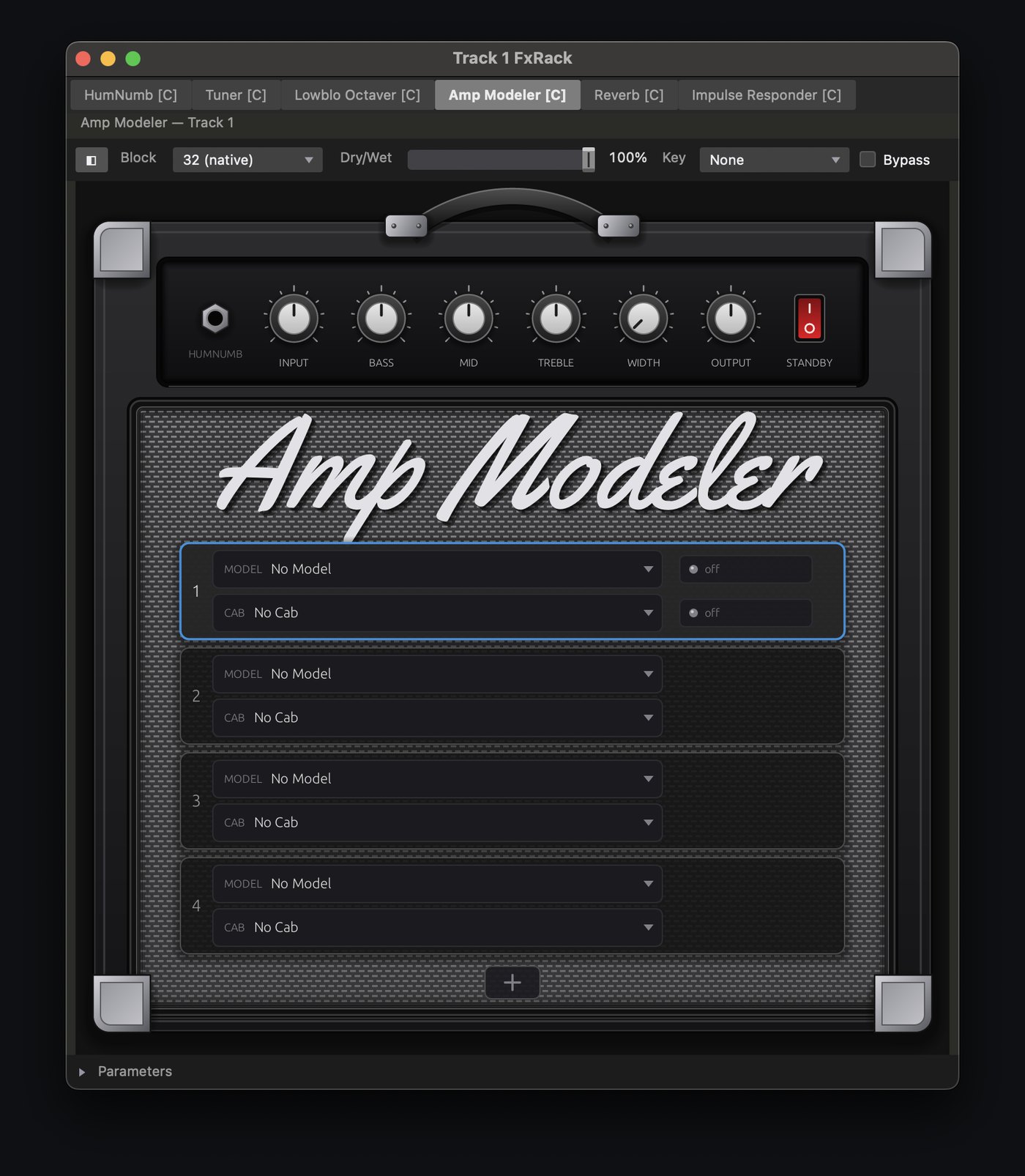
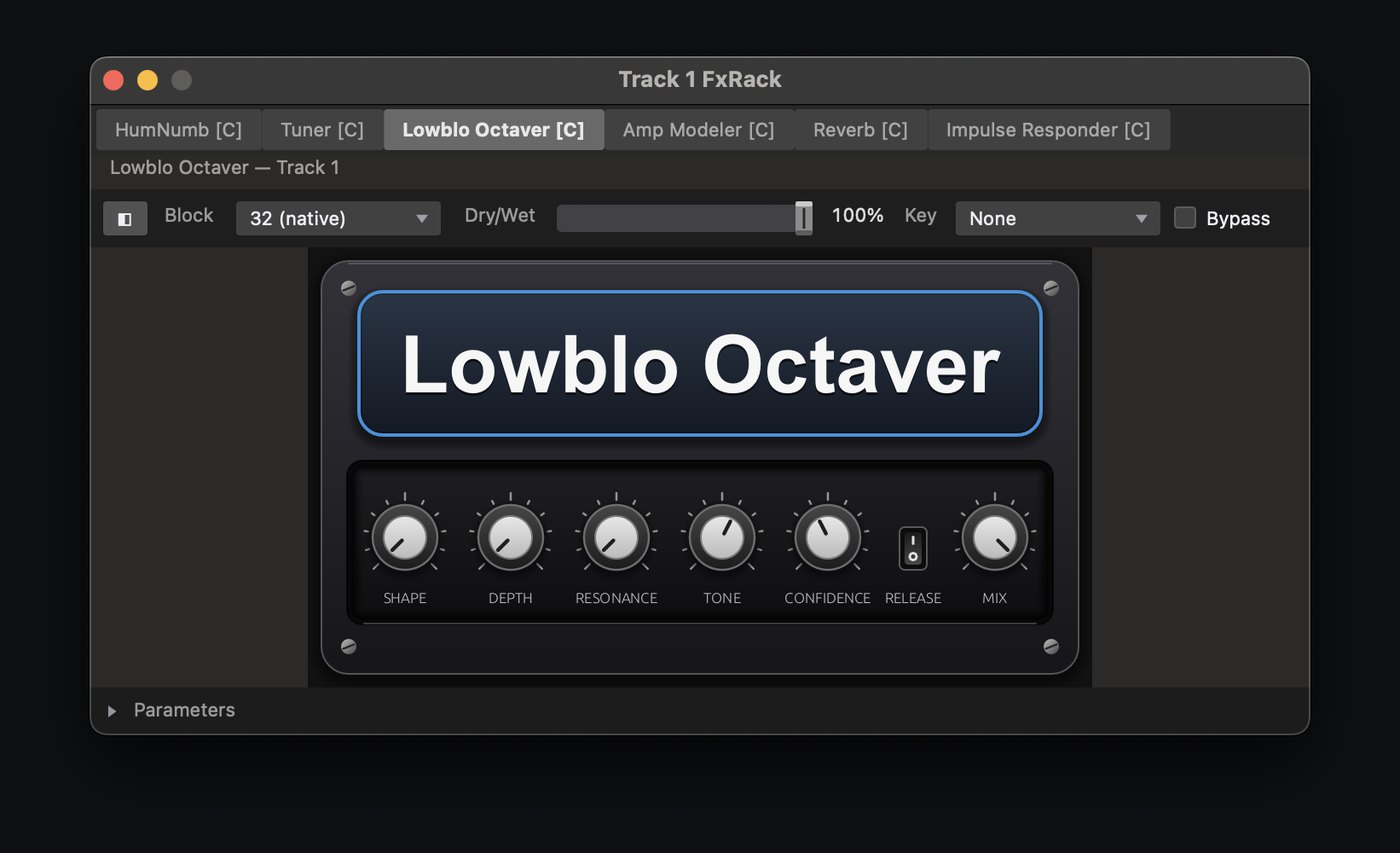
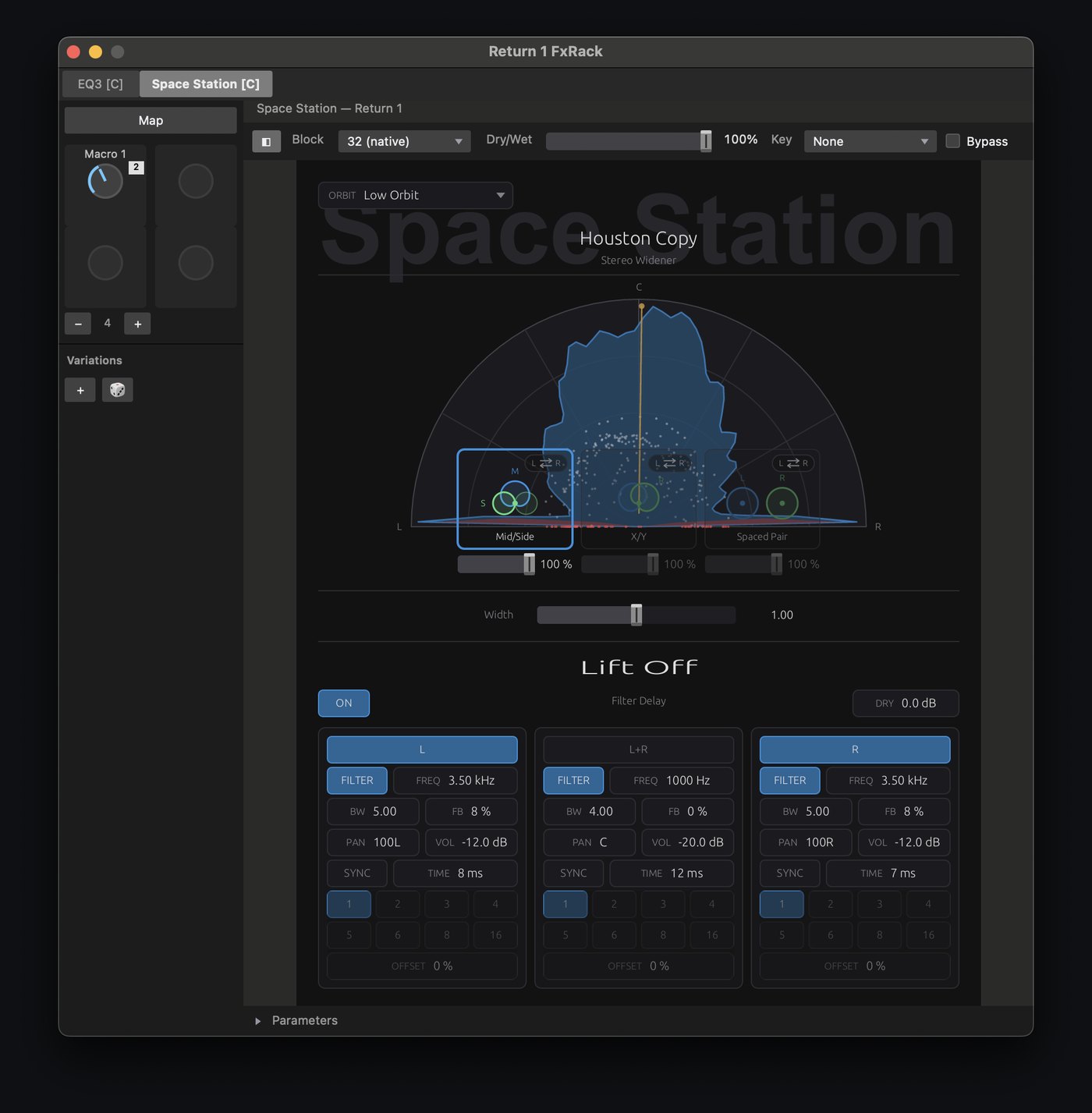
Emulate stereo mic array pickup patterns in a small live room as Mid/Side, X/Y, or Spaced Pair configurations.
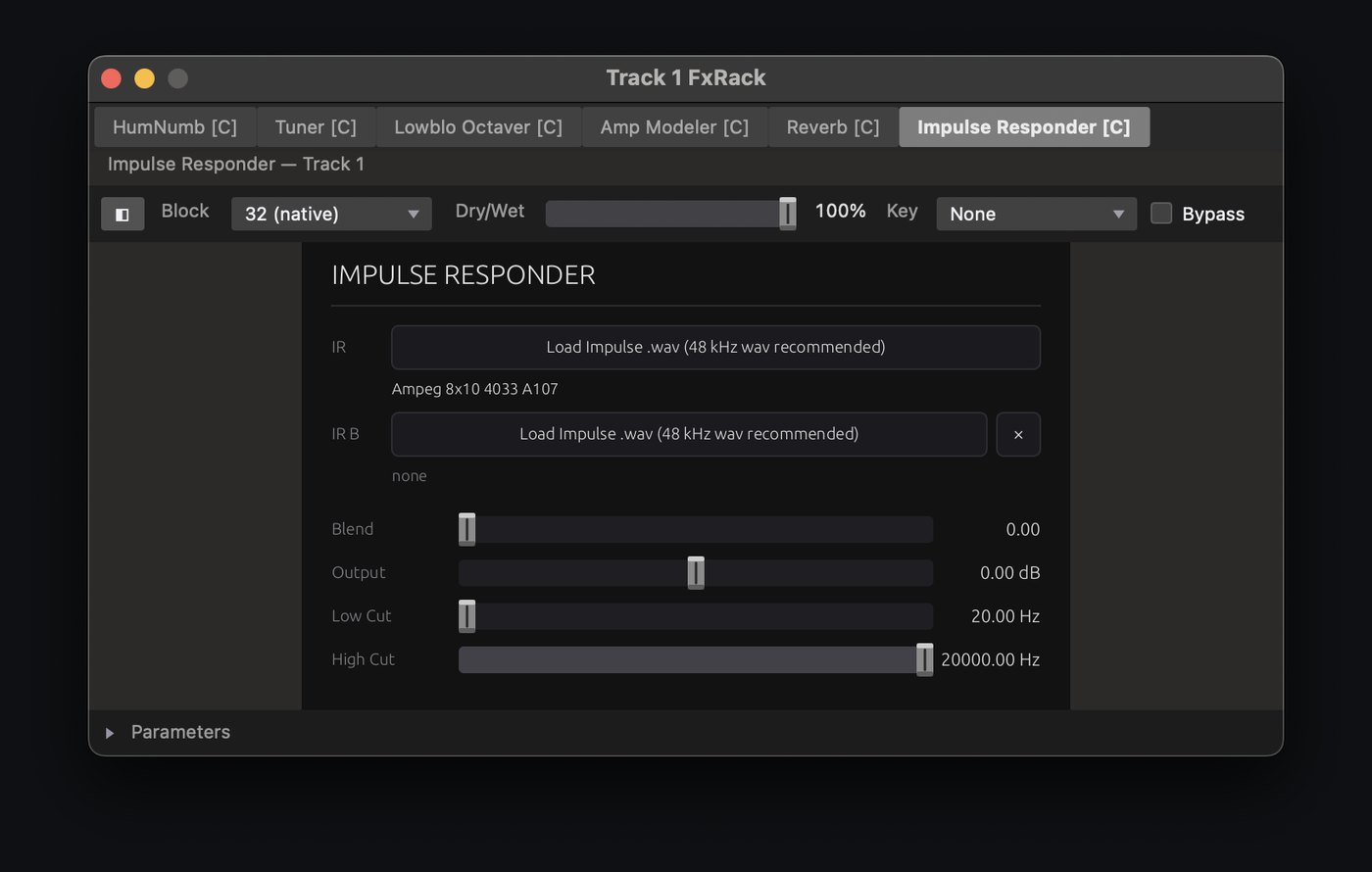
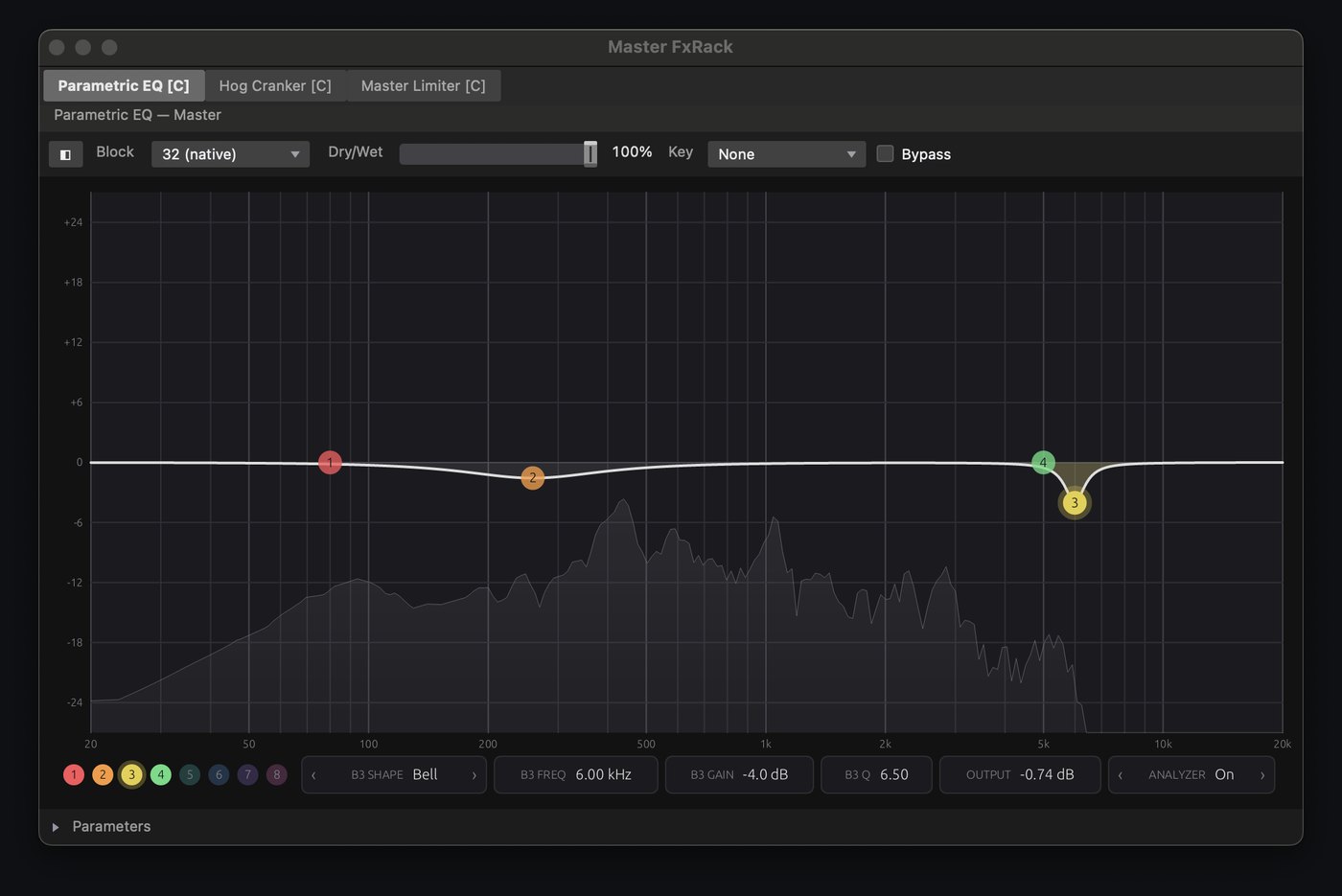
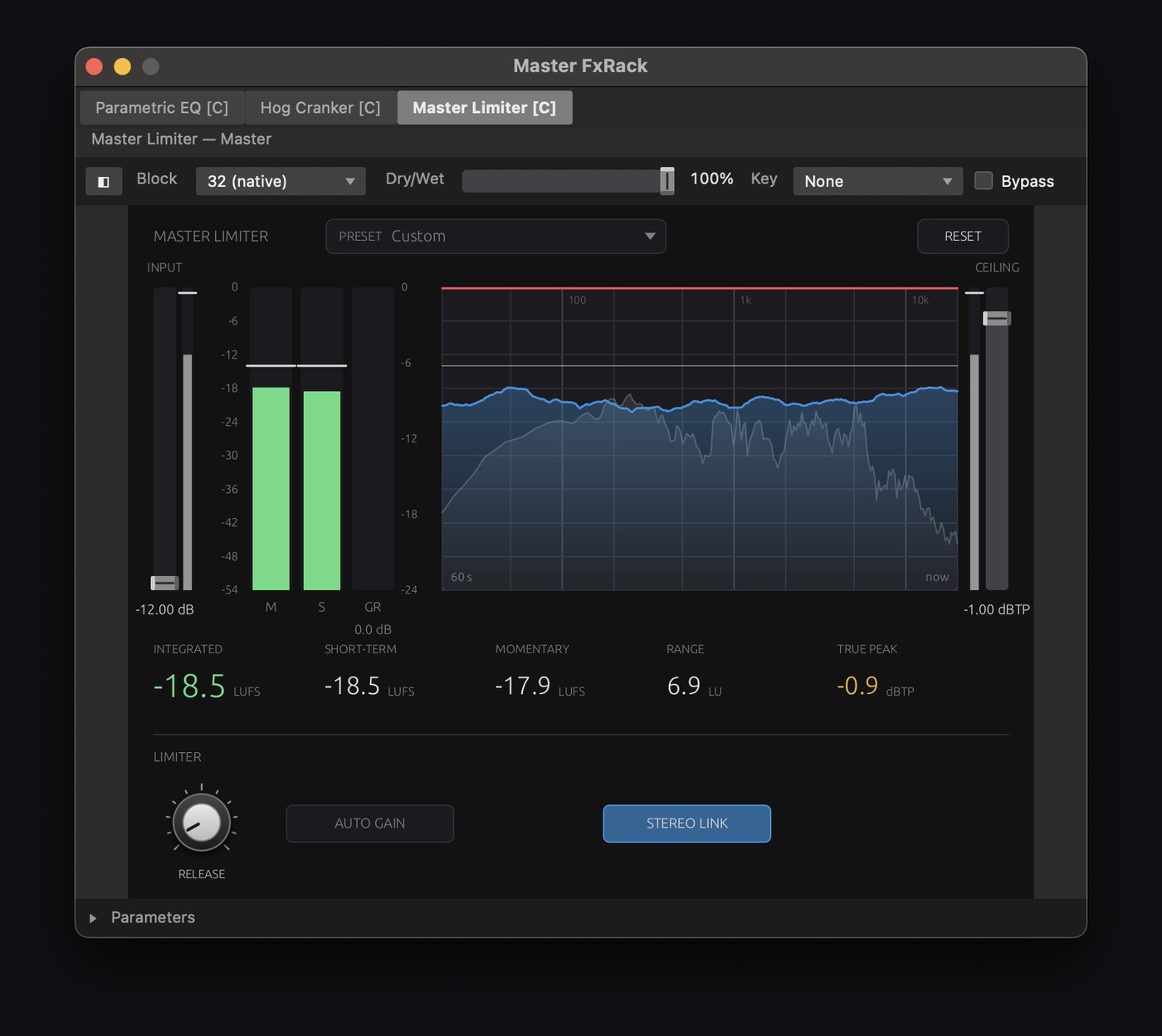
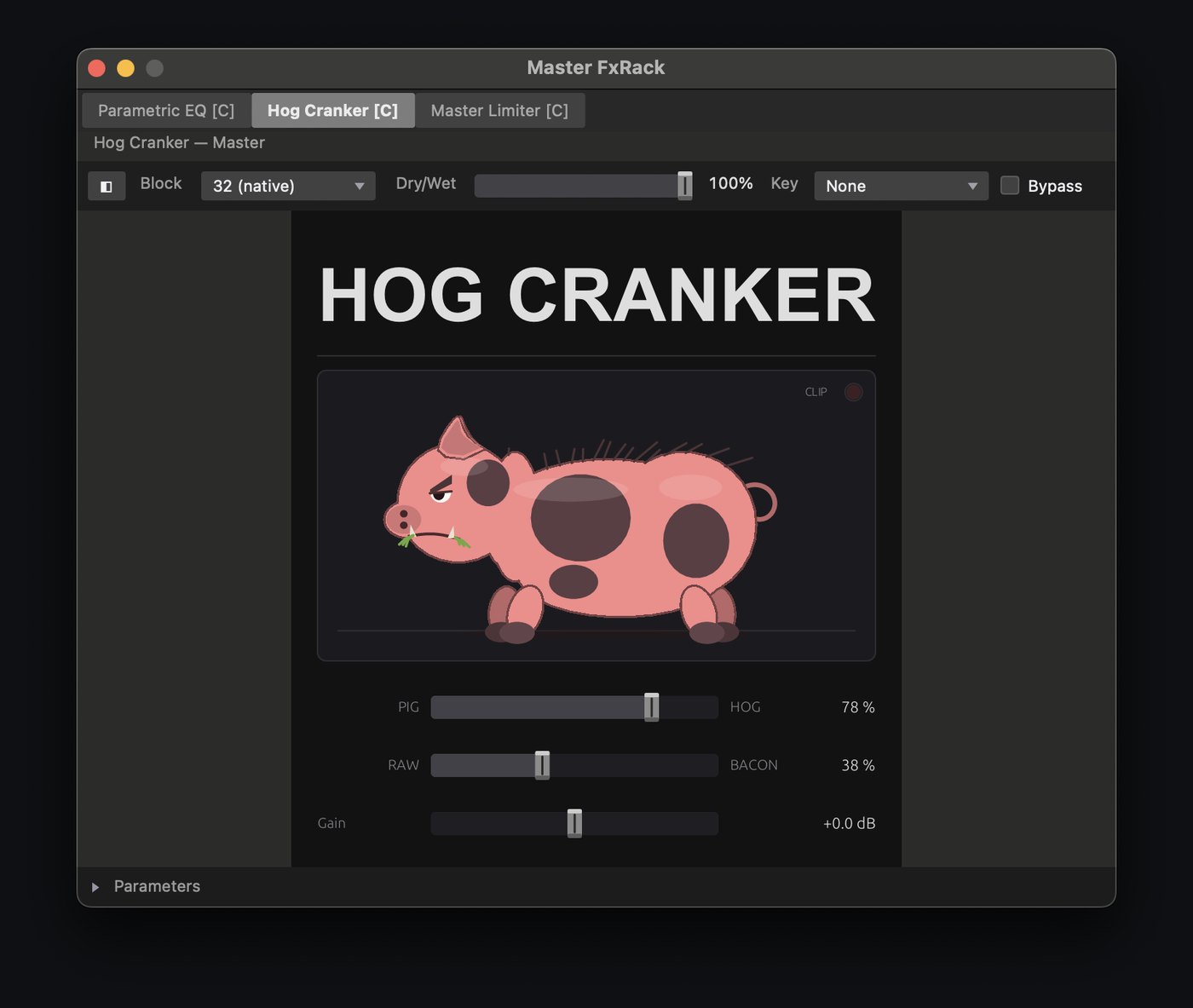
Macros on every rack
Map a macro to any parameter of any plugin in the chain, built-in to the FxRack. Assign Global Macros to the Master or FxReturn FxRacks that can control any other track's FXRack Macros.

Capture your gear offline
Your amp, room and voice
- Train your own amp modelA Neural Amp Modeler trainer built in. Send the signal, get a .nam profile, drop it onto a rack, or drop any profile you've collected.
- Capture impulse responsesCabs, rooms, plates, springs, stairwells. Anything you can send a swept sine through becomes an IR you can load in the same pass, reverbs included. Minimum-phase output is optional.
- Freeze the rig In developmentDistill a whole chain into a captured profile plus IR that plays back at a fixed, known latency. Unfreeze and the chain comes back.
- Capture your own voice In developmentA VCCV voicebank trainer: record the phoneme set once, and the built-in singing-voice engine sings your lines in your voice.
Your takes, safe before load-out
The app records to your own disk and always will. What comes next is optional cloud storage that understands sessions, so a take is already safe by the time you've coiled the cables.
Record direct to cloud. Takes upload while you're still playing them. If the laptop dies mid-set, everything up to that point is already safe.
Band pages and a practice room. Bandmates open the material from a browser, practice against the band minus their own part, and leave a take for the bandleader to review, with nothing to install.
Nothing is ever stuck here. Open formats, exports to the DAW you use, and a one-click copy to your own Google Drive if you leave. The pricing plan, published early.
Frequently asked
What does the beta cost?
Nothing. Beta testers use the full app free. What it costs after launch is on the pricing page.
Which audio interfaces work?
Anything macOS sees as a Core Audio device, including class-compliant USB interfaces. Several devices can be combined into one input set.
Does my audio or video get uploaded?
Not unless you choose to. Recording, stem separation, tempo detection, transcription and amp training all run on your own machine, with zero cloud-dependent processing. Cloud storage, when it arrives, is something you turn on.
Will it open in my DAW?
Sessions export to REAPER, Final Cut Pro and OpenTimelineIO today. Project Rosetta (an open-source converter between DAW and editor formats, with a list of exactly what carried over) is on the roadmap.
What about Linux?
Next, after the macOS beta. The target is Ubuntu Studio on affordable mini-PCs, with the same engine and the same fixed 32-sample block.
What about Windows?
The engine goes where the operating system can keep a fixed 32-sample buffer on any class-compliant interface. On macOS and Linux that's a property of the OS; on Windows today it depends on which interface you bought. When Windows' new in-box audio stack ships and can hold that buffer, a Windows build is on the table. More on the About page.
Get on the list
Invites go out in small batches to people who will put JAMNet Studio in front of real shows: bands, engineers, and anyone filming live music. Tell us what you do and we'll match invites to what's ready.